 Playwave
Play the music on your NAS. No server needed.
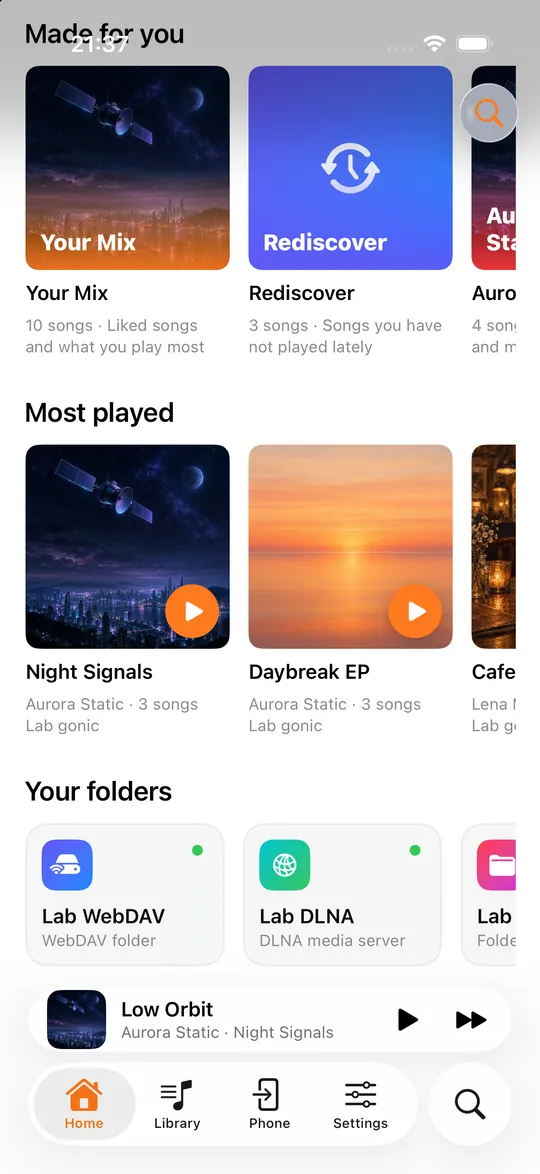
Not everyone runs a music server. If your music is just folders on a NAS, Playwave plays them over SMB, WebDAV or DLNA.
Coming to the App Store soon. Free with one music source.
SMB and drives, through the Files app
Connect your NAS share in the iPhone Files app (Connect to Server › smb://nas.local), then in Playwave choose Library › + › Files folder and pick your music folder. USB drives and iCloud Drive work the same way.
WebDAV
Synology, QNAP, Nextcloud and most NAS systems can share folders over WebDAV. Add it with the address and login, for example https://nas.example.com/music. Playwave browses folders and reads tags as it goes.
DLNA / UPnP
Many NAS boxes ship a DLNA media server (MiniDLNA, Serviio, Synology Media Server). Playwave finds them on your network and browses by album, artist and folder.
NAS, SMB, WebDAV & DLNA questions
Do I need to install anything on my NAS?
No. SMB, WebDAV and DLNA are built into most NAS systems; switch the one you want on.
Can I download songs from my NAS?
Yes, with Pro you can keep albums and folders on your iPhone for offline listening.
Does it work with Synology?
Yes: SMB through the Files app, Synology's WebDAV server, or Synology Media Server over DLNA.